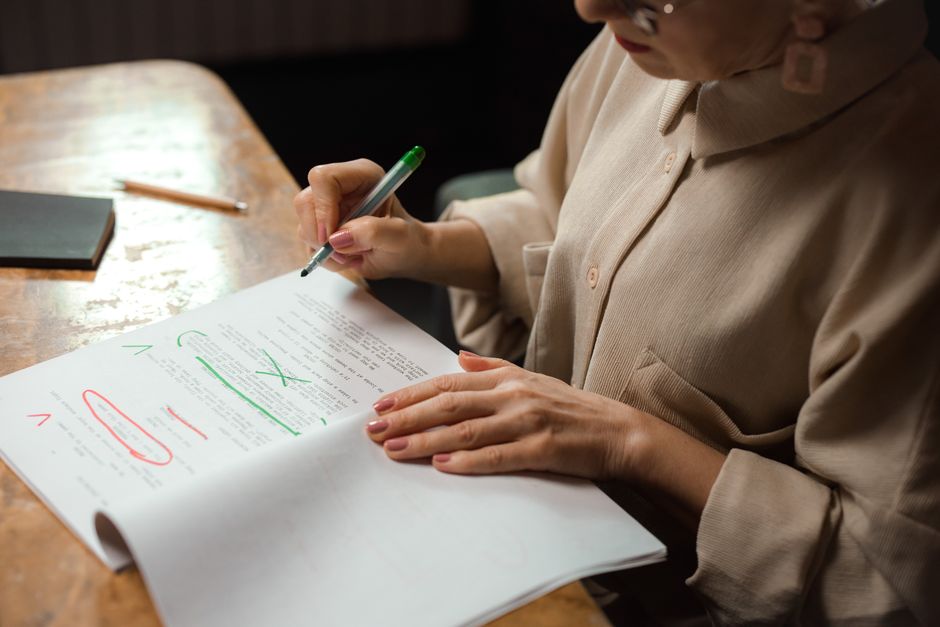
Grammarly vs ChatGPT for Proofreading: Which Should You Use?
Prompts & Tools Editorial
Updated November 1, 2026
Quick Answer
A dedicated grammar checker like Grammarly is convenient for catching typos and basic errors as you type in many apps, while a chatbot like ChatGPT is more flexible for rewriting, changing tone and explaining edits. Many writers use both, and then do a final read-through themselves.
Compare a dedicated grammar checker with a general AI chatbot for proofreading and editing: strengths, weaknesses, privacy and how to use both well.
Different tools for different jobs
Grammarly-style checkers live inside your browser, email and documents, and highlight issues as you type. A chatbot sits in a separate window where you paste text and give instructions. That difference shapes how each is best used.
The checker is a fast safety net. The chatbot is a flexible editor you can talk to.
Strengths of a dedicated checker
Checkers are convenient: errors appear as you write, in the place you write. They are consistent at catching typos, missing commas, agreement errors and repeated words, and they usually let you accept or reject each suggestion individually.
That control is useful for formal documents where you want to see every change.
- Real-time suggestions in many apps.
- Accept or reject changes one by one.
- Consistent basic error detection.
- Settings for style and audience in some plans.
Strengths of a chatbot
A chatbot can do things a checker cannot easily do: rewrite a paragraph in a friendlier tone, shorten text to a limit, explain why a sentence is awkward or produce three alternative phrasings. You can also give context, such as the audience and purpose.
To keep it from over-editing, give precise instructions.
- Prompt: Proofread the text below. Fix only spelling, grammar and punctuation. Do not change wording or style. Show a list of changes at the end: [paste].
- Prompt: Make this email more polite and concise, keeping the meaning: [paste].
- Prompt: Explain why this sentence sounds unnatural and give two better versions: [paste].
Weaknesses to watch
Checkers can give suggestions that fit rules but not your meaning, and may push every writer toward the same style. Chatbots can change facts, add claims that you did not write or remove nuance while polishing the language.
Whichever tool you use, compare the result with your original for meaning, not just correctness.
Privacy and workplace rules
Both approaches send your text to a service. Check how each handles your data, whether it may be used to improve the product and whether settings let you opt out. Many workplaces restrict what can be pasted into external tools, particularly for client or confidential material.
When in doubt, ask your organisation or use approved tools only.
A practical workflow
Write your draft first without worrying about perfection. Run a checker for quick fixes. Then, if the text needs more help, ask a chatbot for targeted edits with clear constraints. Finally, read the result aloud and make your own corrections.
If you have a strict length requirement, confirm it with a word counter after editing.
Using tools to learn rather than just fix
If you want to improve your writing, not just the current document, look at why each change is suggested. A checker shows the rule behind many corrections, and a chatbot can explain in plain language. Over time you will notice your own repeated mistakes, such as comma splices or mixing tenses, and begin to avoid them.
Try asking a chatbot to list your three most frequent issues in a text, with examples, and then write a fresh paragraph while avoiding them. Compare again afterwards. This active practice is more effective than accepting every suggestion without thinking.
For second-language writers, ask for explanations of idioms and register, such as why one phrase sounds formal and another casual. This builds a feel for the language that spell-checking alone cannot provide. Whichever tool you pick, keep a personal list of rules and phrases you want to remember.
Which should you pick?
If you mostly want fewer typos across emails and documents, a checker is convenient. If you need rewriting, tone changes and explanations, a chatbot fits better. Many people use a free tier of each and see what they actually reach for.
Remember that tools support your writing; they do not replace your judgement about what you want to say.
Frequently Asked Questions
Is ChatGPT a good grammar checker?
It can be good at fixing errors and explaining them, but it may also rewrite more than you asked unless you instruct it to make minimal changes.
Is Grammarly free?
It has offered a free tier with basic checks and paid plans with more features. Check current plans and pricing.
Which is better for non-native English speakers?
Both can help. A checker is good for steady feedback while writing, and a chatbot can explain why a phrase sounds unnatural.
Can these tools miss errors?
Yes. Neither is perfect, so proofread important documents yourself.
Is my text private?
Review each service's privacy policy, and avoid pasting confidential material unless your organisation approves it.
Tools We Recommend
Advertisement
Sponsored: today's featured offer →Advertisement